How to create NFTs?
On Goldust, you can quickly and smoothly create your own exclusive art NFTs and sell your works on the platform. Now, let’s start creating together!
Choose Collection
Connect your WEB3 wallet.

Click on your profile icon and select the “My Creations” option.

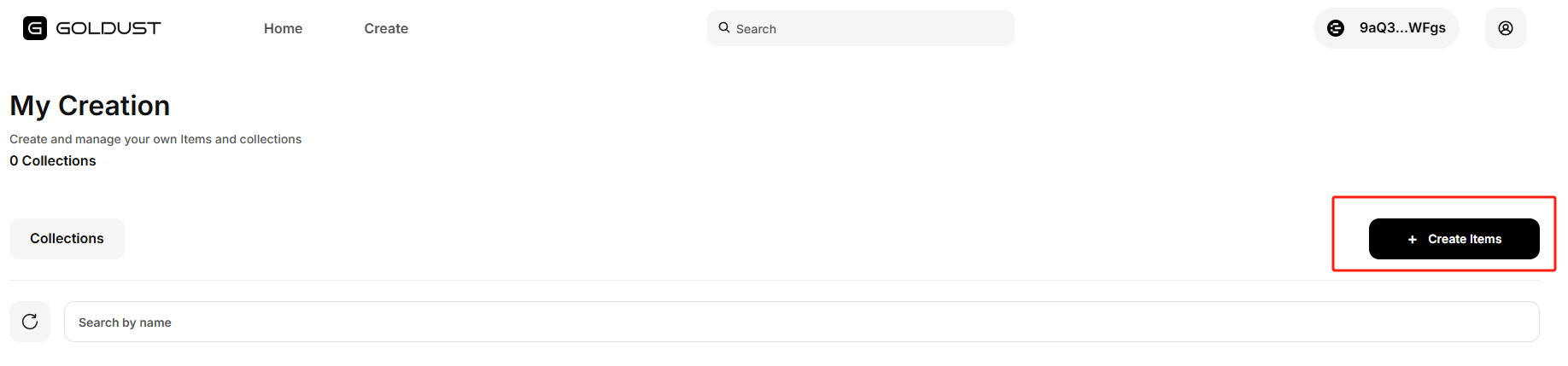
In “My Creations,” click on “Create Items.”
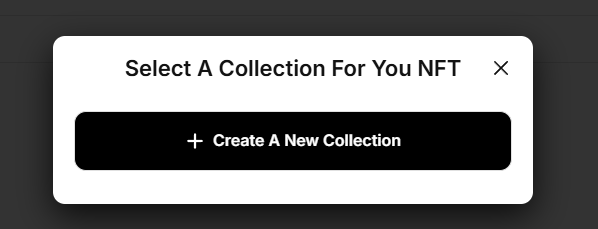
Choose an existing “Collection” or create a “New Collection.”
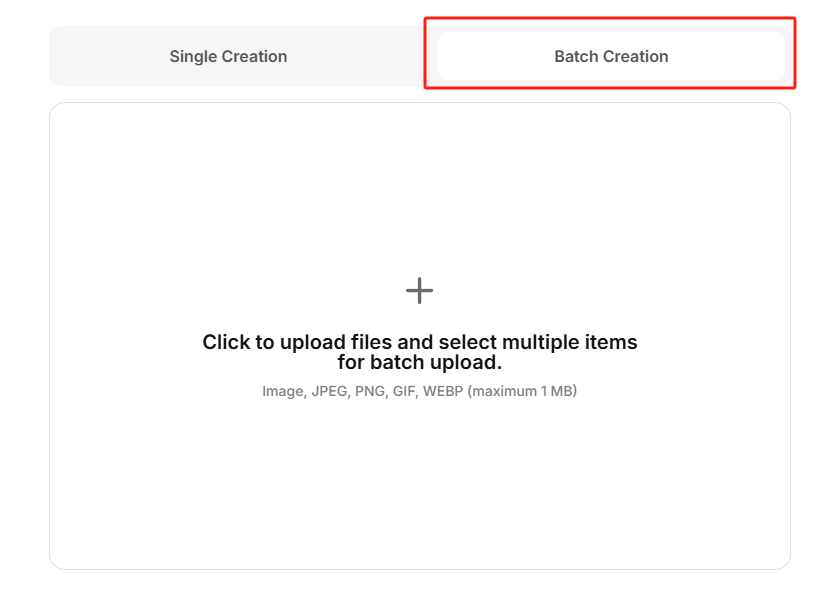
After selecting a collection, choose” Single Creation” or “Batch Creation”.
Single Creation
1.Upload the file of the NFT you want to create. 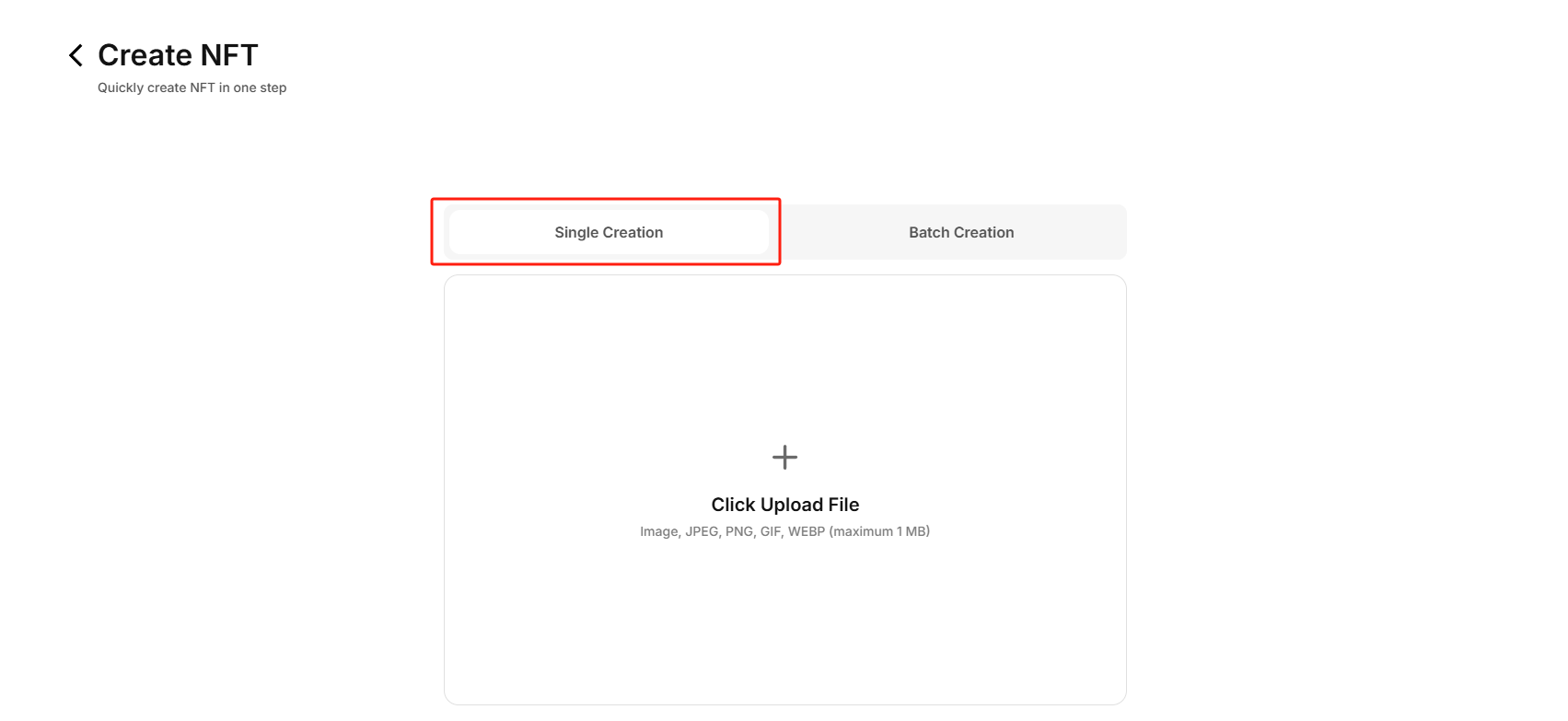
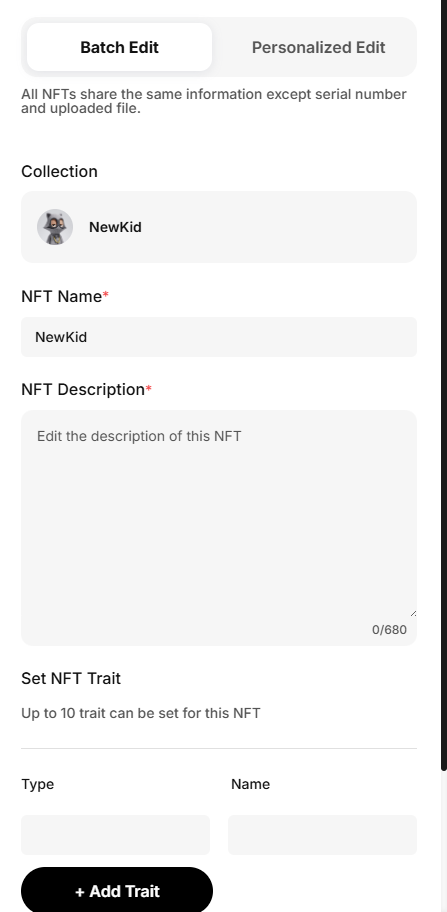
Edit the relevant information of the NFT, including the name, description, and attributes.
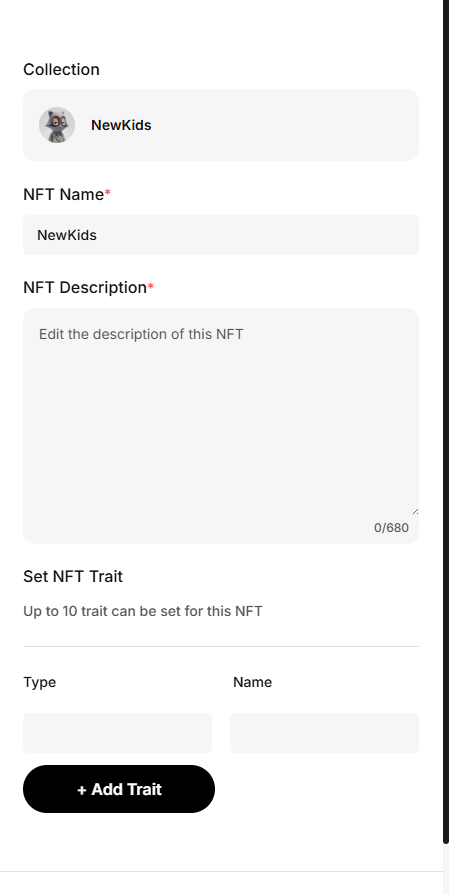
After confirming the information, finalize the creation and sign with your wallet.
Once the creation is successful, you can go to “Assets” to view the details.
Batch Creation
Bulk upload multiple NFT files.
Edit the relevant information of the NFTs, including the name, description, and attributes (you can edit them in bulk or individually for customization).
After confirming the information, finalize the creation and sign with your wallet.
Once the creation is successful, you can go to “Assets” to view the details.