Enhance your NFT launch plan
To help more digital collectors learn about your project and NFTs, you can provide a richer introduction and showcase, which will also benefit your project launch.
In My Creations under Launch, find the collection for which you have already designated a launch plan.
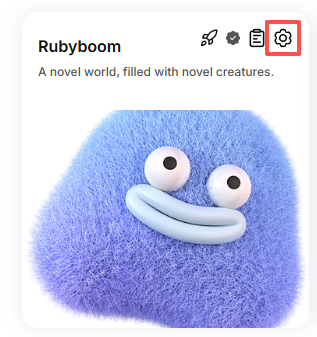
Locate the Settings icon above the collection.
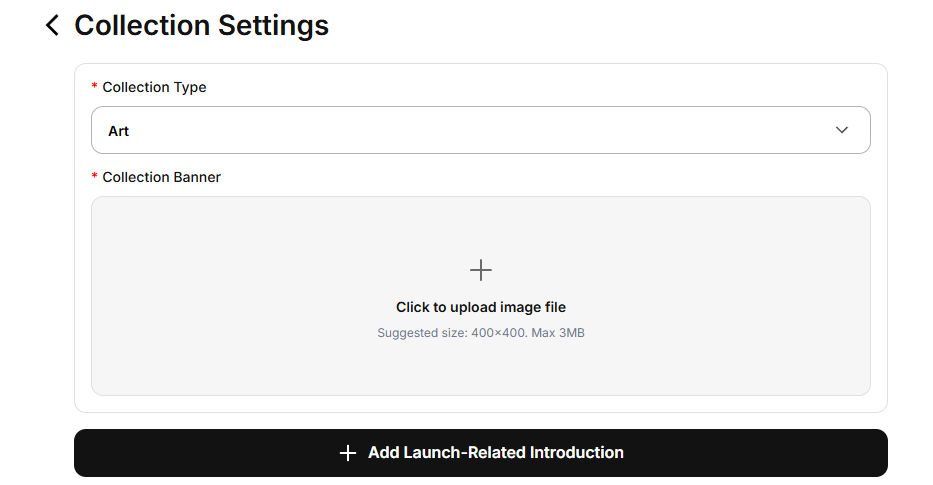
Select the collection category and upload the collection’s promotional image.
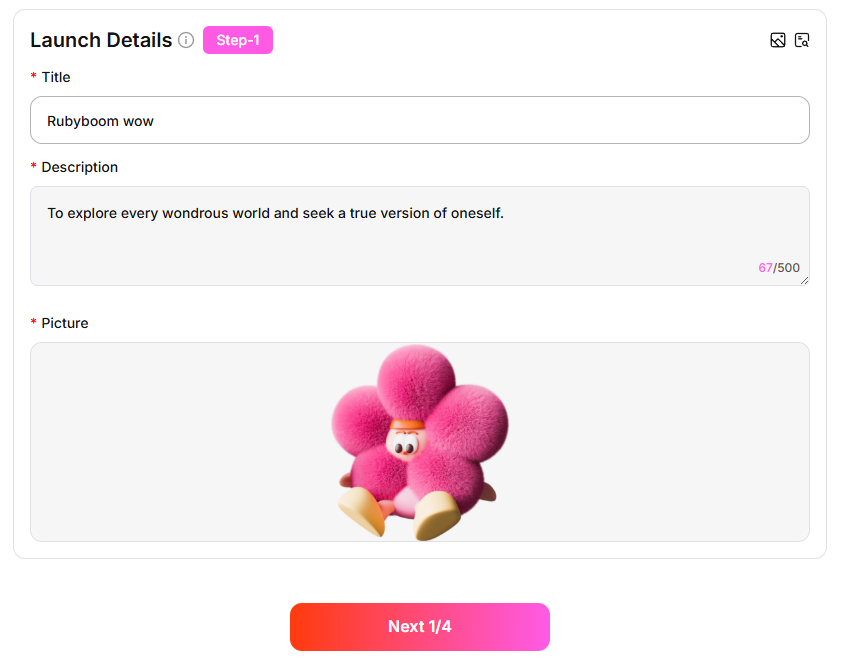
Add launch-related information:
- Title
- Description: Introduce the collection and NFT-related features
Introduction Image: Upload an image for the introduction
You can click the icon in the top right corner to view a sample style and preview the content you have entered.
- Continue filling in the information. After previewing and confirming that everything is correct, submit it. You can then go to the collection’s detail page to view the complete page.