How to Place a Purchase Order for a Collection
If you have collectibles you’d like to add to your collection, you can initiate a purchase order for that collection. You’ll wait for responses from sellers, and the NFT will be automatically purchased once an offer is accepted.
Connect your Web3 wallet.

Find the collection you’re interested in, go to the collection’s details page, and click “Make Order”
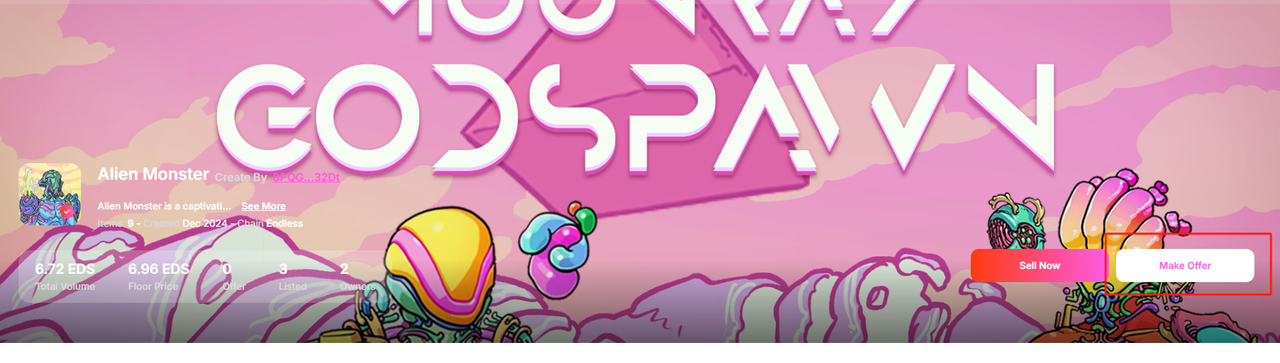
Click “Make Collection Offer,” and go to your wallet to sign and complete the payment.
Follow the instructions on the page to upload the logo image for the collection, and fill in the collection’s name, description, and the royalty percentage you set for the collection.
Once the purchase order is complete, wait for the seller’s response. If the seller accepts your offer, the NFT will be automatically transferred to you as an asset. If the order expires without any seller accepting it, the transaction fees will be refunded to the address from which the payment was made.