How to create collection?
Connect your Web3 wallet.

Click on the profile icon and find “My Creations.”

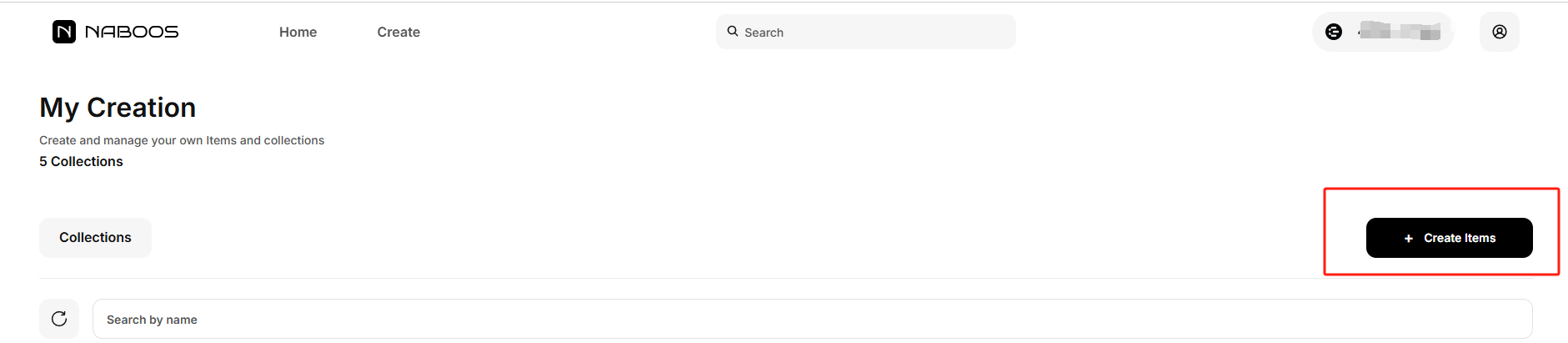
Click the “Create Items” button at the top right of the page.
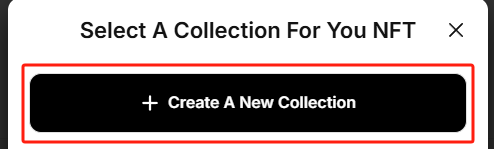
On the new page, select “Create A New Collection.”
Follow the instructions on the page to upload the logo image for the collection, and fill in the collection’s name, description, and the royalty percentage you set for the collection.

Then, confirm the creation and go to your wallet to sign. Once signed, the creation will be successful.